Pixel-Perfect Design
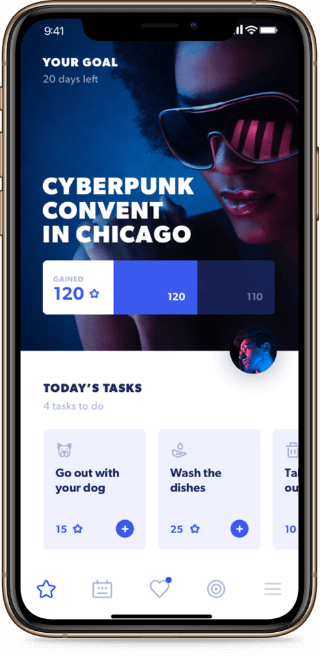
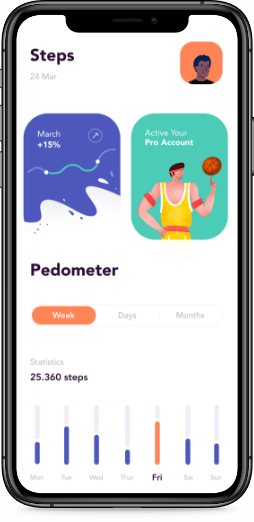
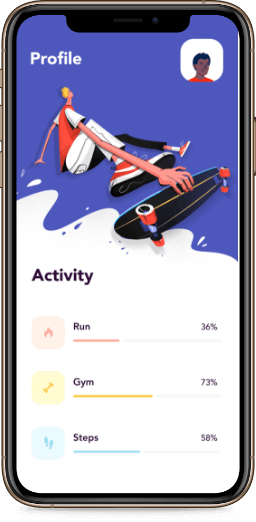
Delivering flawless designs that match specifications precisely. Pixel-perfect designs ensure a polished and professional look.
Grid Layouts
Organizing content using CSS Grid for structured and visually appealing designs. Grids allow for flexible and adaptive layouts.
Flexbox Techniques
Aligning and distributing space among elements with Flexbox. This CSS module simplifies responsive design challenges.
Parallax Scrolling
Adding depth to websites with parallax scrolling effects. This technique creates a visually immersive user experience.
Sticky Navigation
Keeping navigation menus accessible as users scroll. Sticky headers improve usability, especially on long pages.
Breadcrumb Navigation
Simplifying website navigation with breadcrumb trails. This feature enhances usability and improves search engine crawling.
Video Backgrounds
Adding dynamic visual appeal with video backgrounds. This technique captures user attention and conveys messages effectively.
Hero Sections
Designing impactful first impressions with hero sections. These large banners communicate the site’s purpose at a glance.
Image Optimization
Reducing file sizes for faster loading times. Techniques like compression and responsive image serving improve performance.
Custom Icons
Designing unique icons that align with a brand’s identity. Custom icons enhance visual appeal and usability.
Hover Effects
Improving interactivity with hover animations. These effects engage users and make interfaces more intuitive.
Interactive Prototypes
Testing concepts with interactive mockups. Prototypes help refine designs and gather feedback before development.
Color Schemes
Using color psychology to influence user emotions. Well-chosen color schemes enhance brand recognition and usability.
Performance Monitoring
Tracking and improving website performance with analytics tools. Monitoring ensures optimal speed and user experience.
Web Vitals
Optimizing for Google’s core web vitals metrics. Meeting these standards improves SEO and user satisfaction.
Analytics Integration
Adding tools like Google Analytics for insights into user behavior. Data-driven decisions improve engagement and conversions.
GDPR Compliance
Ensuring websites adhere to GDPR regulations for data protection. Compliance builds trust with users and avoids legal issues.
Cloud Storage Integration
Connecting websites to cloud storage solutions. This integration ensures reliable and scalable data management.
Data Visualization
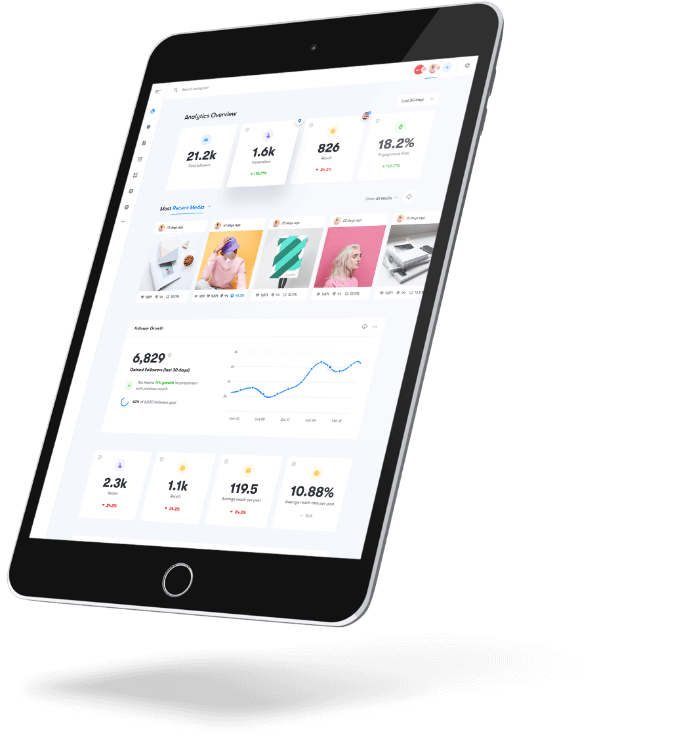
Presenting complex data in an accessible way with charts and graphs. Effective visualization aids decision-making and engagement.
Notification Systems
Implementing real-time notifications to keep users informed. Alerts improve communication and engagement.
Autocomplete Search
Enhancing search functionality with real-time suggestions. Autocomplete improves user experience and search accuracy.
Breadcrumbs
Creating navigation aids for users to track their location on a site. Breadcrumbs enhance usability, especially on large websites.
Card-Based Design
Organizing content into card layouts for better visual hierarchy. This approach is popular in modern web designs.
Infinite Scrolling
Loading content dynamically as users scroll. Infinite scrolling improves user engagement by reducing page reloads.
One-Page Websites
Designing compact and efficient single-page websites. This format suits portfolios and small businesses.
Sticky Footers
Ensuring footers remain at the bottom of the viewport. Sticky footers improve usability on short pages.
Responsive Images
Serving images that adapt to different screen sizes and resolutions. This technique reduces load times and enhances visuals.
Text Shadows
Adding depth and emphasis to text with shadows. Text shadows enhance readbility and aesthetic appeal.
Blur Effects
Using blur to create focus and depth in designs. Blur effects highlight important elements and improve visual hierarchy.
Viewport Units
Utilizing vh and vw units for responsive layouts. Viewport units enable scalable designs based on screen size.
Scroll Snap
Implementing controlled scrolling behavior with CSS scroll snap. This feature enhances navigation in sliders and carousels.
Custom Scrollbars
Styling scrollbars to match website designs. Custom scrollbars improve aesthetics and user experience.
CSS Variables
Simplifying design updates with reusable CSS variables. Variables promote consistency and reduce repetitive code.
WebGL Integration
Adding 3D graphics and animations with WebGL. This API delivers engaging visual experiences directly in the browser.
Notification Animations
Capturing attention with animated notifications. Animations enhance user engagement and provide visual feedback.
User Feedback Forms
Simplifying user feedback collection with well-designed forms. Feedback forms improve user satisfaction and drive improvements.
Web Workers
Running background scripts with Web Workers. This technique improves performance by offloading tasks from the main thread.
Emoji Support
Incorporating emojis into web designs for a modern touch. Emoji support enhances user interaction and engagement.
Browser Storage
Utilizing local and session storage for temporary data. Browser storage improves performance and enables offline functionality.
Auto-Save Features
Preventing data loss with auto-save functionality. This feature is essential for forms and content creation tools.
Offline Mode
Enabling functionality without an internet connection. Offline mode improves user experience and reliability.
Web Push Notifications – Re-engaging users with timely web push notifications. These alerts enhance user retention and drive conversions.